
Register your business in the CARM Client Portal yourself before your first shipment from China needs release, because the Canada Border Services Agency (CBSA) doesn’t let a customs broker register it for you. CARM, the CBSA Assessment and Revenue Management system, is where CBSA manages commercial import accounts, duties and taxes. Have your business number and any existing CBSA import account ready, then follow the registration path that matches them.
Choose the Right CARM Registration Path
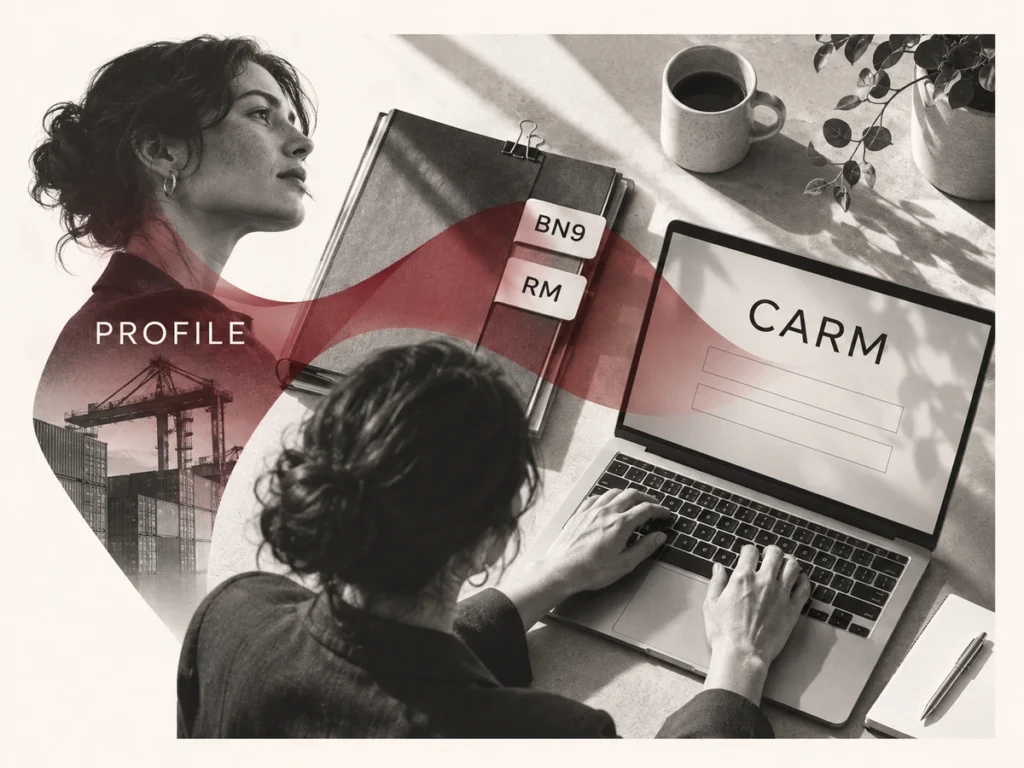
Your path depends on whether the business already has a nine-digit business number (BN9) from the Canada Revenue Agency (CRA) and a CBSA program account. The importer program account, or RM account, is a six-character identifier such as RM0001 that’s attached to the BN9.
| Your Current Position | CBSA Scenario | What to Do |
|---|---|---|
| No BN9 and no CBSA program account | 1 | Resident sole proprietors, partnerships and corporations can request a BN9 during portal registration, then enroll in the importer program |
| BN9, but no RM or other CBSA program account | 2 | Register with the BN9 and the matching CRA details, then enroll in the importer program |
| BN9 and an active importer-exporter RM account | 3 | Register the business and validate the existing account with past CBSA records |
| Another CBSA program account, but no RM account | 4 or 5 | With a BN9, contact the CARM Client Support Helpdesk to link it to the existing account before you register; without one, follow Scenario 5 |
| Business already registered in CARM | None | Request access to your employer from your own user profile |
Non-resident businesses, trusts and some other entity types can’t get a BN9 through the portal. They need to obtain it from the CRA before registering.
Complete Your CARM Registration
Decide who’ll run the account before you start, since the first person to register the business automatically becomes its business account manager (BAM).
Creating Your Personal Profile
Sign in to the CARM Client Portal with one of its two sign-in options, GCKey or a Sign-In Partner, and complete your personal profile. That profile identifies you as a user, not the company, so each colleague who needs access creates their own and is then linked to the business.
Registering or Linking Your Business
Select Register my business, follow the scenario that matches your BN9 and CBSA accounts, and enter the legal name, address and account details exactly as the CRA and CBSA hold them. Fix any mismatch with those agencies before you continue.
If your RM account was obtained before October 21, 2024 and the business isn’t in CARM yet, Scenario 3 asks you to validate it with a record from the last six years, such as:
- The month and balance of one Statement of Account (SOA)
- The month and exact amount of one payment applied to your account
- The transaction number and total duties and taxes of one import accounting transaction
A Daily Notice or SOA up to six years old carries these figures, and the broker that handled your earlier imports can usually supply them. Enter amounts as numbers and decimals only, without dollar signs or commas. The RM account must be active for this path, so contact the CARM Client Support Helpdesk if it isn’t.
Confirming Your Account Access
After you confirm the registration, check that the active importer program account appears and that your BAM can open it. CBSA recommends naming a second BAM as a backup. Give other employees only the role their work needs: a program account manager runs one program account, an editor handles operational tasks such as payments, and a reader can view that activity without changing it.
Finish the Setup for Your Shipment
Two settings decide how your goods move through release: who can act for you in CARM, and whether you’re enrolled in Release Prior to Payment.
Authorizing Your Customs Broker
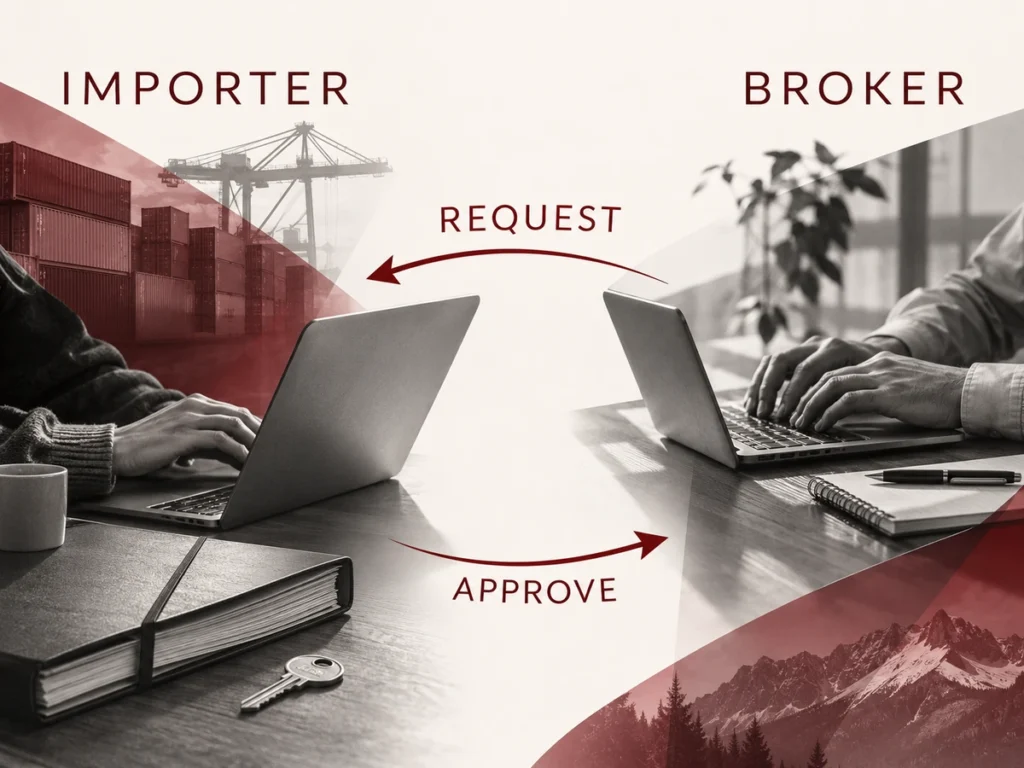
A broker gets access only through a business relationship request that it sends from its own CARM account. To set that up:
- Sign a general agency agreement with the broker, which CBSA lists as a separate step from portal delegation.
- Ask the broker to send the relationship request to your BN9.
- Check the broker’s registered business identity, then choose a business management relationship (the whole business account) or a program management relationship (selected program accounts only).
- Set which information the broker can see, approve the request and ask the broker to confirm it can reach the right importer account.
Delegating doesn’t transfer your obligations. Your business stays responsible for its import information, duties and taxes.
Confirming Your RPP Status
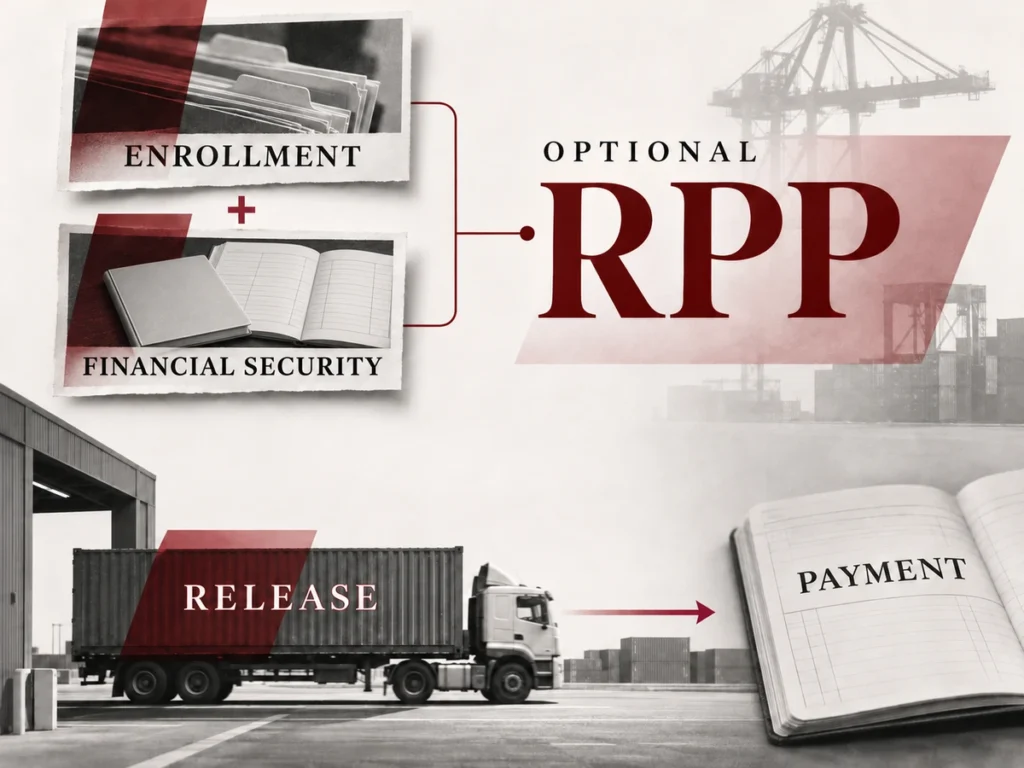
Registration and broker delegation don’t give you Release Prior to Payment (RPP), the optional CBSA sub-program that releases goods before final accounting and payment of duties and taxes. RPP needs its own enrollment and the financial security CARM calculates for your account. Without it, duties and taxes are due when CBSA releases the goods, so agree on the release and payment arrangement with your broker before the cargo leaves China.
Connect CARM Readiness With Your China Shipping Plan
Finish the CARM setup while your suppliers produce, and treat each supplier’s cargo ready date as the deadline, since that’s when collection can start. Before you authorize international dispatch, check:
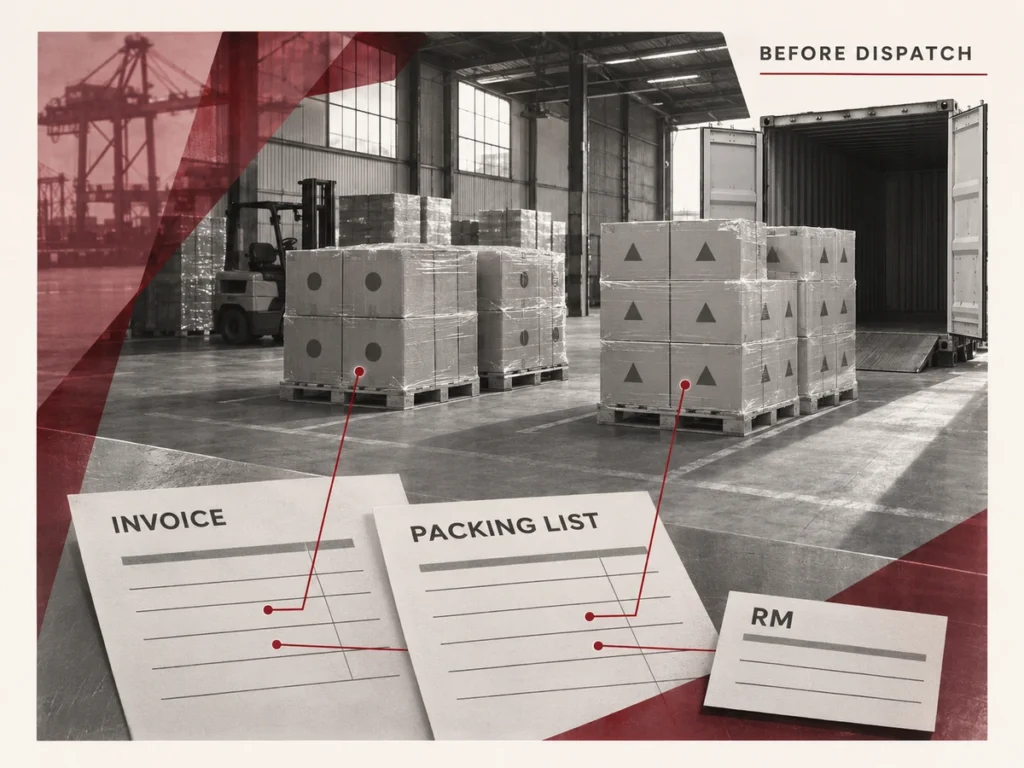
- The importer name and RM account on the shipping documents match the business registered in CARM.
- Each supplier’s goods stay identifiable on a packing list that ties packages to contents, quantities, weights and dimensions.
- The commercial invoices, packing information and transport instructions use the same cargo and party details.
Foresmart collects from suppliers across China, records arrivals by supplier and purchase order at its warehouses in Shenzhen, Yiwu, Shanghai and other cities, and arranges agreed repacking, palletizing and container loading. For a Canadian senior-living operator, pickups from several suppliers ran through one Foresmart contact, the goods went to Canada in one full container and more consolidated containers followed.
For shipping from China to Canada, send your supplier locations, ready dates, product descriptions, package counts, weights, dimensions, delivery postal code and Incoterm, and say whether you’ve appointed a Canadian broker. The quote can then map collection, warehouse work and delivery in Canada before you approve it. Foresmart’s minimum shipment size is 100 kg or 1 cubic meter (CBM).
Frequently Asked Questions
Can I Authorize More Than One Customs Broker?
Yes. CBSA’s delegation guide describes importers setting up relationships with one or more customs brokers, each with the access you approve. Agree on which broker handles each shipment and accounting submission so two brokers don’t work the same transaction.
Do I Have to Use a Customs Broker After Registering for CARM?
No. CBSA lets importers prepare and submit their own release and accounting documents. A licensed broker is optional, so the choice comes down to whether your team can handle the classification, documents and deadlines for your goods.
Source
- Get started with CARM, Canada Border Services Agency: importers registering themselves, BN9 and RM requirements, the first registrant becoming BAM, and BN9 rules for non-residents and trusts.
- CARM Client Portal User Guide: First time set up – Register my business scenarios, Canada Border Services Agency: the five registration scenarios and requesting a BN9 through the portal.
- Register my business with an existing importer-exporter RM (Scenario 3), Canada Border Services Agency: the October 21, 2024 cutoff, validation records, the six-year window, number format and the active-account requirement.
- How to create sign in credentials and a user account in the CARM Client Portal, Canada Border Services Agency: sign-in options and creating a personal profile.
- Delegation of Authority in the CARM Client Portal, Canada Border Services Agency: user roles, broker relationship requests, relationship types and multiple brokers.
- Set up your business to import, Canada Border Services Agency: agency agreements, portal delegation and self-filing.
- Enrol for Release Prior to Payment, Canada Border Services Agency: RPP as an optional sub-program.
- Release, account and pay duties and taxes, Canada Border Services Agency: payment at release for importers without financial security.