
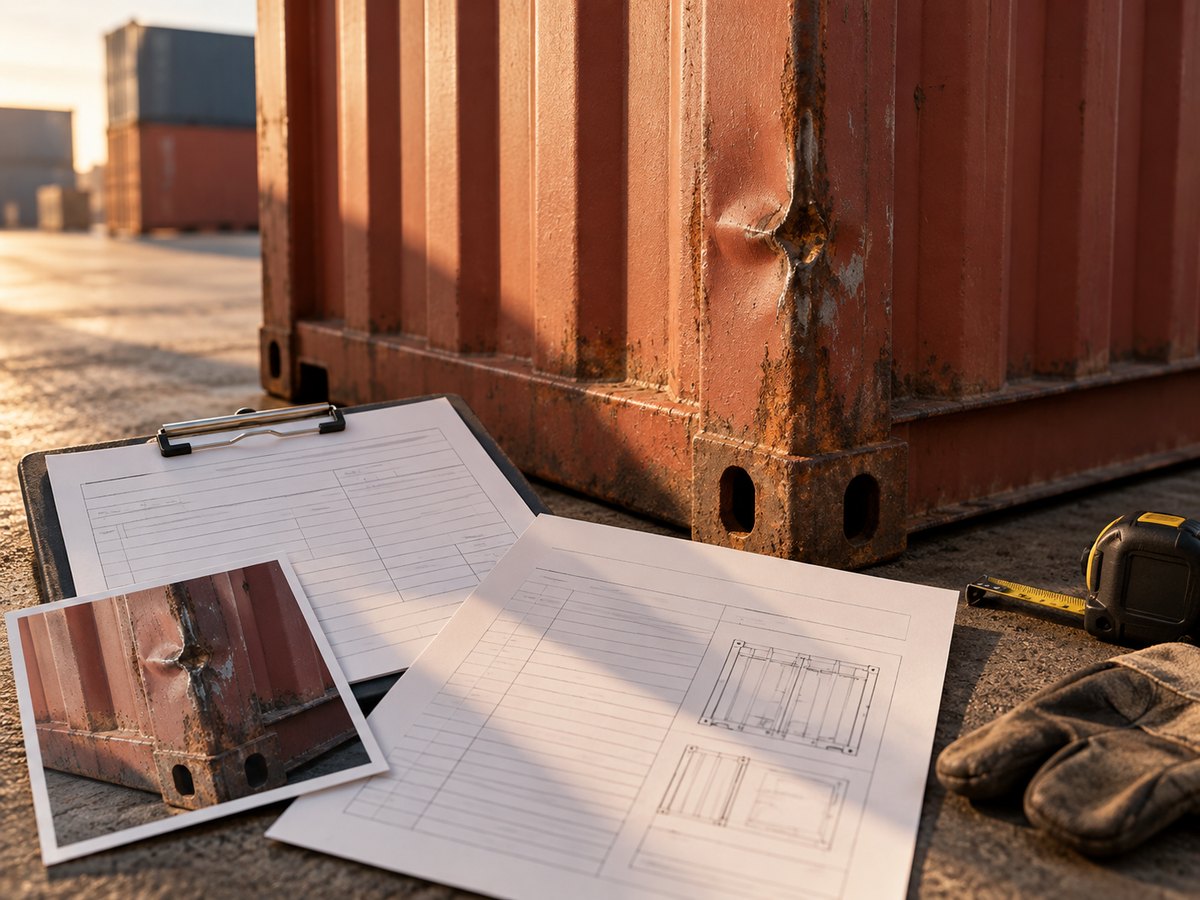
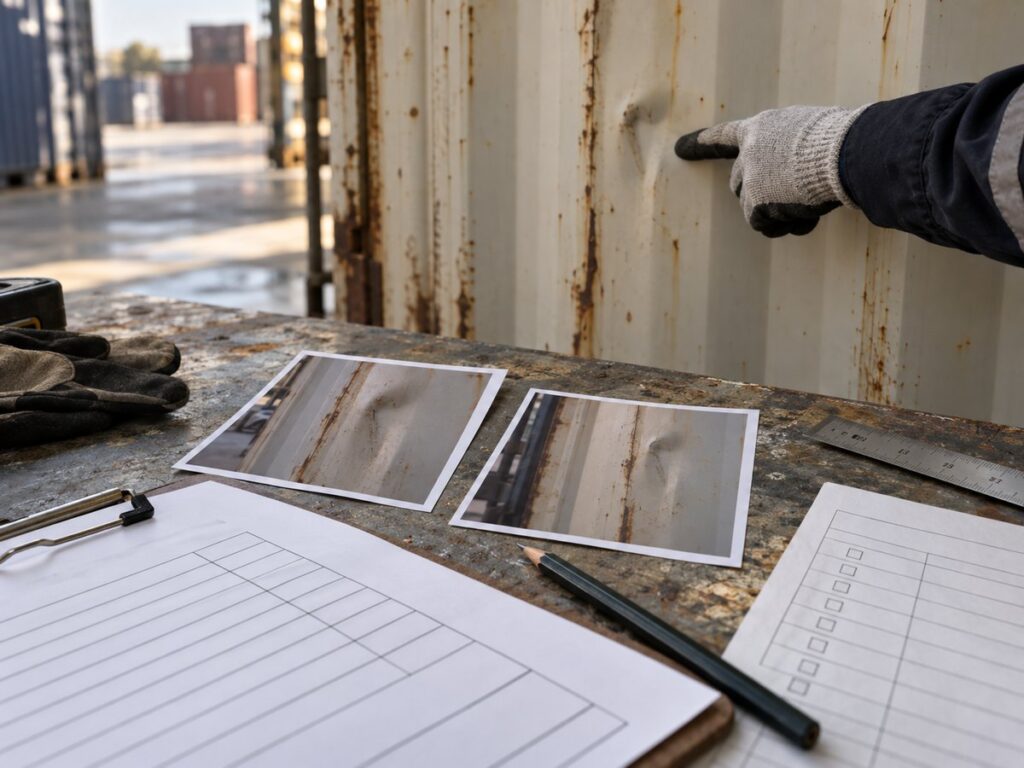
If you receive a container damage notice, compare the pickup and return records before responding to the repair charge. Match the container number and damage location across photos and equipment interchange reports (EIRs). Then ask the carrier or depot to show what it plans to repair and why your shipment was billed. One photograph can show a dent without showing when it occurred.
What Counts as Container Damage?
Container damage affects the box or its fittings, such as a dented panel, a hole, a damaged locking bar, or a broken floor section. Record contamination and signs of water entry too. Describe what you can see. The carrier or depot inspector decides whether a repair or cleaning is needed.
Cargo damage concerns the goods inside the box. A broken carton, wet product, or missing item needs a separate cargo record and may follow a different claim path. A container repair bill addresses the equipment, even if the goods were also affected. Keep the two records apart from the start.
What Should You Check at Each Handoff?
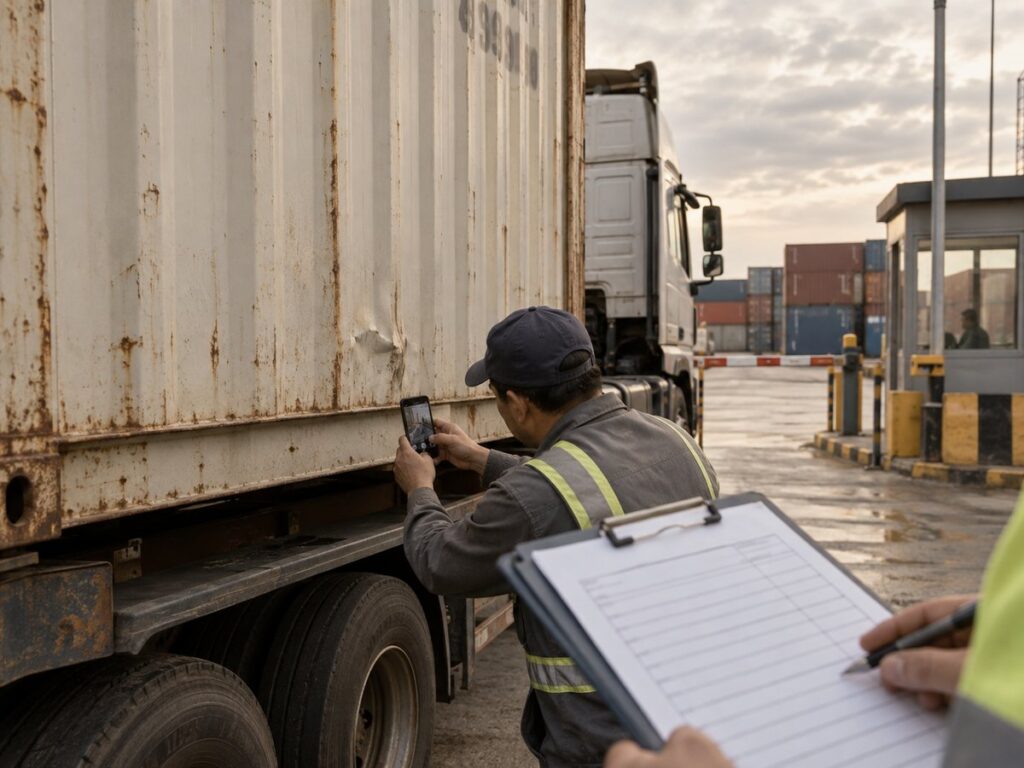
Check the container at each handoff, while the driver or warehouse team can still record its condition. Take a wide photo that shows the container number and a close photo of any defect. If the doors will not close or a defect could affect loading, ask the equipment provider for instructions before using the box.
Empty Pickup
At the depot, compare the container number with the release paperwork. Check accessible panels, corners, doors, hinges, and locking bars. Look inside for floor damage, holes, damp patches, or residue before cargo covers those surfaces.
Ask the driver to note visible defects on the pickup EIR before leaving. Save the EIR with your own photos. A pickup photo without a matching interchange record may leave a dispute over when the driver received the box.
Loading and Sealing
Photograph the box before stuffing and any new mark noticed during loading. Keep the warehouse log. A short video may show a door problem more clearly than a still image.
Record the seal number after loading so later photos can be matched to the shipment. If a forklift strikes the floor or a door stops closing properly, pause work and report the incident through the booking contact.
Delivery and Unloading
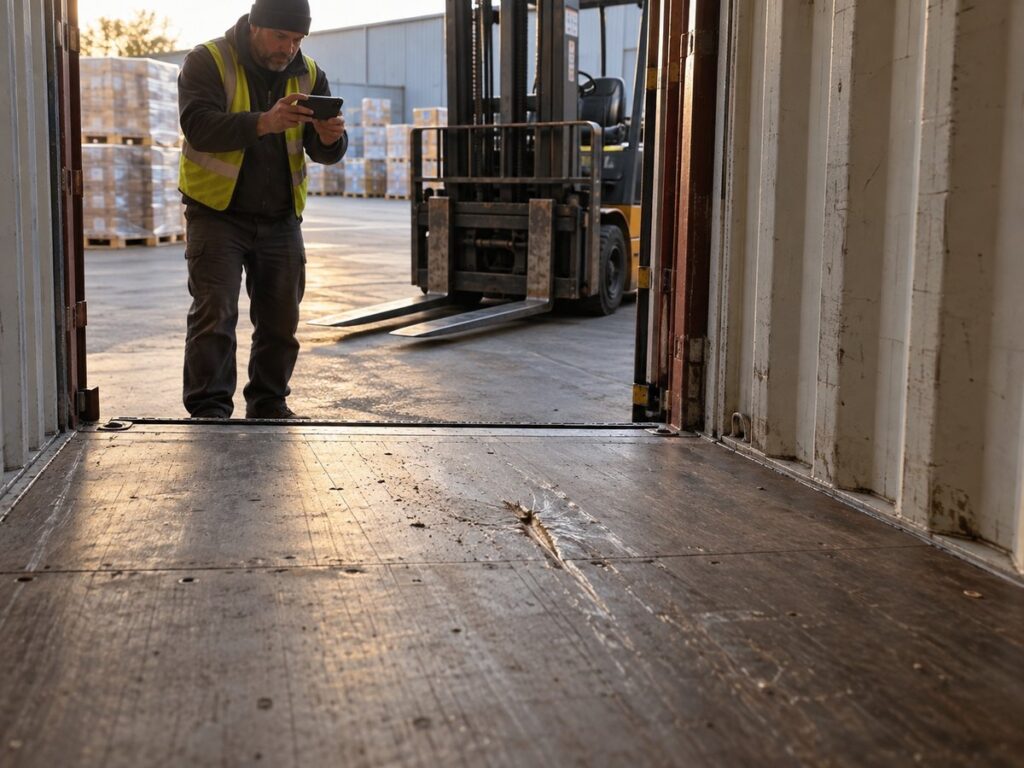
At destination, photograph the box before opening it and after unloading. A dent visible on arrival predates unloading. A floor gouge seen only after unloading needs an earlier interior view before its timing can be narrowed. Keep the delivery receipt and any warehouse incident note.
The driver and receiving site may see different sides of the container. Record which areas each party could inspect. If a chassis or dock blocks a panel, leave that area marked as unseen.
Empty Return
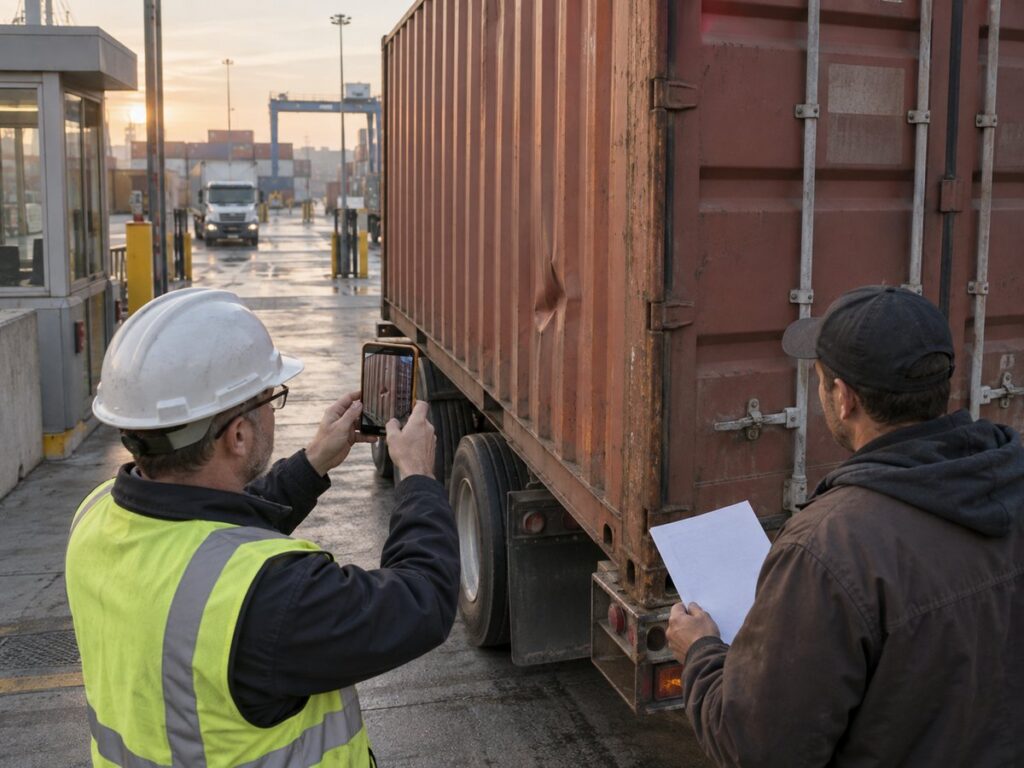
Before the empty truck leaves, photograph its doors, exterior, floor, and any residue. At the depot, obtain the in-gate EIR or other interchange record. Check its container number, date, time, and damage notes against your return photos.
Which Records Help Locate When Damage Appeared?
Use the first clear record of each defect to narrow the possible interval. Compare it with the last clear view of the same area. Keep the original images and their dates; forwarded screenshots may lose useful details.
| First clear observation | Compare it with | Next question |
|---|---|---|
| On the empty box at pickup | Depot release photos and out-gate EIR | Was the mark recorded before the driver left? |
| During or just after loading | Pickup photos and warehouse loading records | Was the area clear in the preloading view? |
| On arrival at the receiver | Post-loading photos and delivery notes | Is there a usable view from before road or ocean movement? |
| After unloading | Arrival photos and warehouse incident notes | Was the same area clear before unloading? |
| In the depot’s later inspection | Return photos and in-gate EIR | Why does the depot’s report differ from the return record? |
Compare the same panel or component, not just any damage shown in two photos. If an earlier image is too distant or an area was blocked, mark the interval as uncertain. Narrowing when a defect first appeared does not show who caused it. Ask the party holding a missing record for its original inspection image or interchange report.
How Do You Review a Container Repair Charge?
Review each billed repair against a described defect, an inspection record, and the applicable equipment terms. A line-by-line freight audit helps separate the repair item from unrelated charges. Repair criteria and prices vary by carrier, depot, and agreement.
Match the Notice to the Container and Damage
First match the notice to the container number, return location, inspection date, and billed party. Ask for a photo that identifies the claimed panel or component. Then compare that area with the pickup and return EIRs. If the notice groups defects together, request a location and image for each one.
Check the Repair Items and Billing Basis
Ask for an itemized estimate or invoice showing the proposed work, parts, labor, and any cleaning line. A door-hardware replacement should match a door defect; a cleaning line should identify the residue or condition that prompted it.
Then check which equipment terms or tariff provision support the charge and how they treat ordinary wear. Check the booking and freight forwarding contracts to see who received the box and who may be billed. The invoice addressee alone does not show who caused a defect. If the proposed repair differs from the photographed damage, ask the carrier to explain the difference. Do not arrange your own repair of carrier equipment without written instructions.
Send a Documented Query
Send one written query that names the container, invoice, and disputed line items. Attach the relevant EIRs and label each image by date, handoff, and container area. Ask for a written response on the repair scope, amount, and the contractual basis for the charge. Use the dispute channel and timing in the applicable notice or terms; a query does not automatically pause payment obligations.
How Can Foresmart Help With an FCL Damage Notice?
Foresmart can organize an FCL customer’s records and route questions to the carrier, trucker, or depot. Its sea freight from China service covers FCL planning and shipment coordination. Send the container number, EIRs, dated photos, and repair notice so the team can follow up on specific missing records or charge lines. The equipment provider decides whether to revise a charge; Foresmart does not repair the box or decide liability.
Frequently Asked Questions
Can a Damage Invoice Arrive After the Empty Container Is Returned?
Yes. A carrier may issue a damage or cleaning invoice after return. Keep the return EIR and photos until the equipment billing is resolved. The invoice date shows when the carrier billed you, not when a dent occurred.
What If the Depot Will Not Record Visible Damage on the EIR?
Keep the issued EIR, photograph the mark and container number at the gate, and send a dated written exception to the carrier or booking contact. Ask how the depot handles disputed observations. Preserve its EIR alongside your own record.
Does a Clean Return EIR Settle a Later Damage Charge?
No. A clean return EIR shows what the depot recorded at interchange. If a later damage report conflicts with it, request the depot’s inspection time and images of the specific area. Compare both records before accepting the charge.